Kia Sportage: Smart key
Repair procedures
Smart Key
Smart Key Code Saving
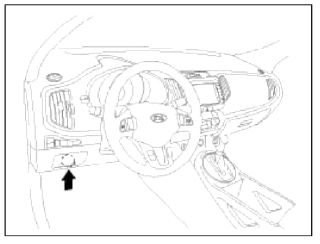
1. Connect the DLC cable of GDS to the data link connector (16 pins) in driver side crash pad lower panel, trim the power on GDS.
2. Select the vehicle model and then do "Smart key code saving".
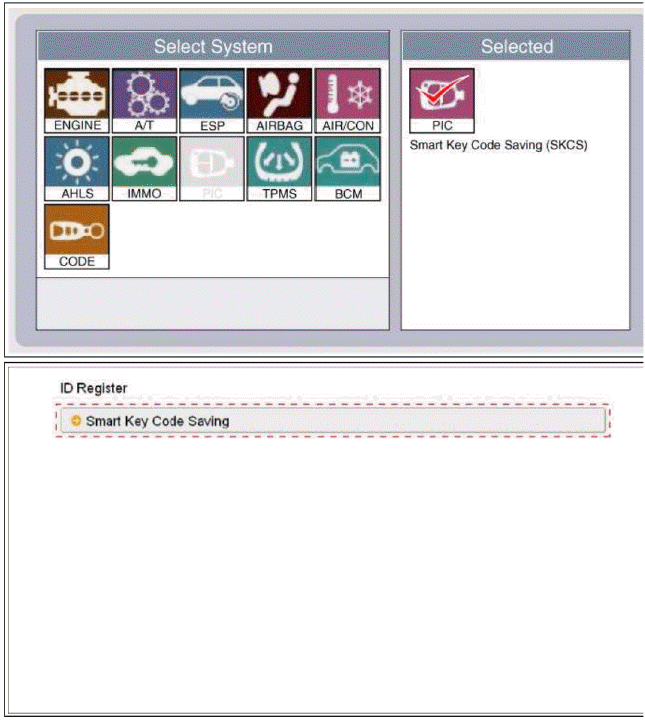
3. After selecting "Smart key teaching" menu, push "Enter" key, then the screen will be shown as below.
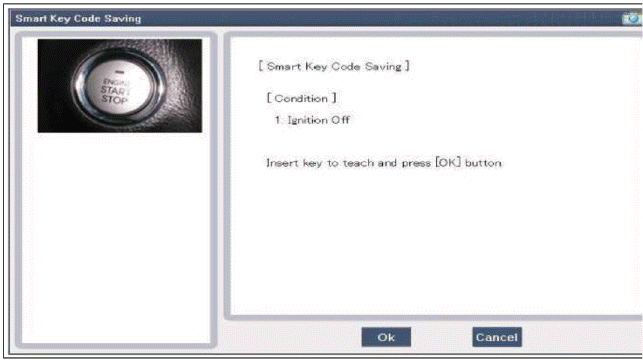
4. After inserting the teaching key, push "ENTER" key.
5. Input the "Pin code" for first key teaching.
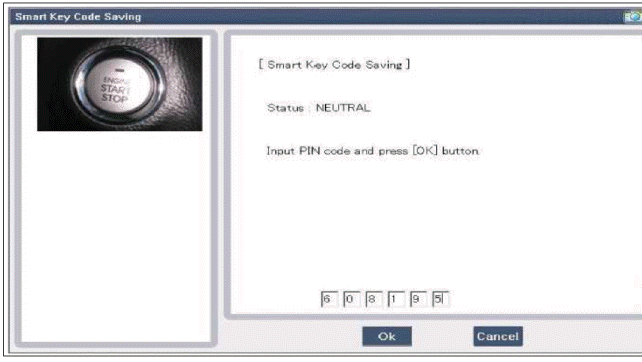
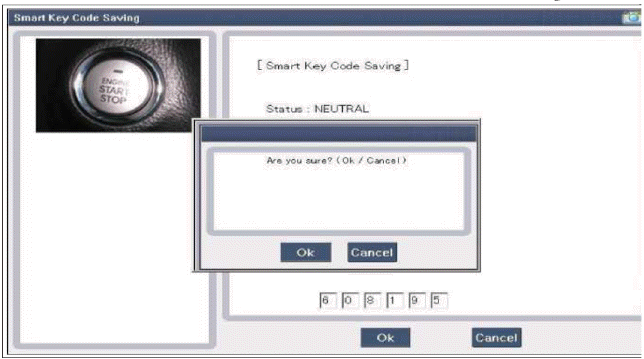
6. Confirm the message "First key teaching completed".
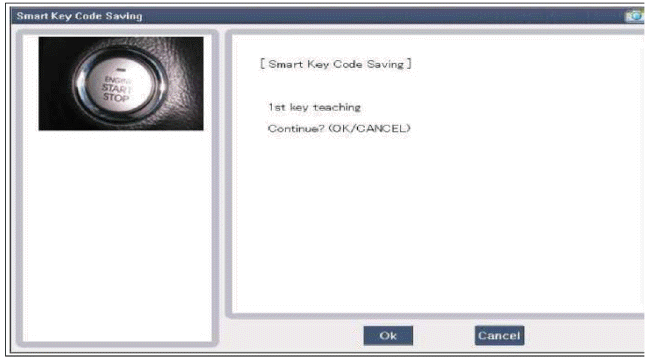
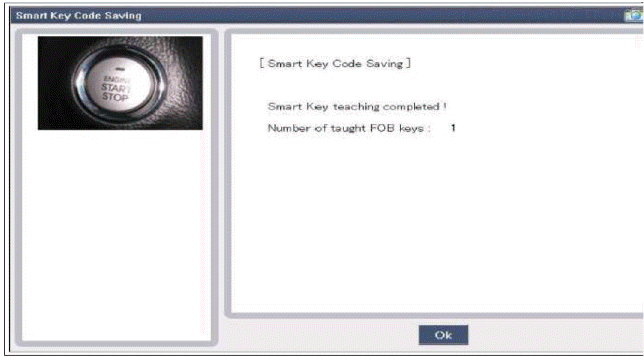
7. Input the "Pin code" for second key teaching.
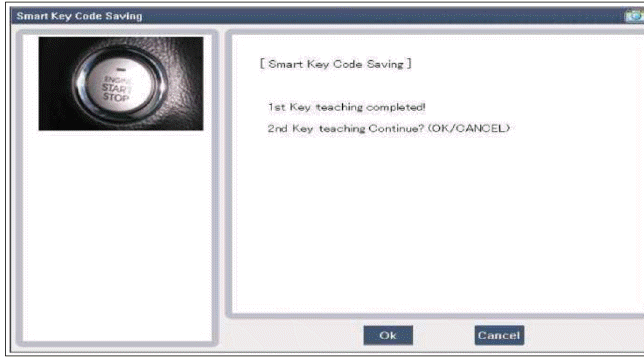
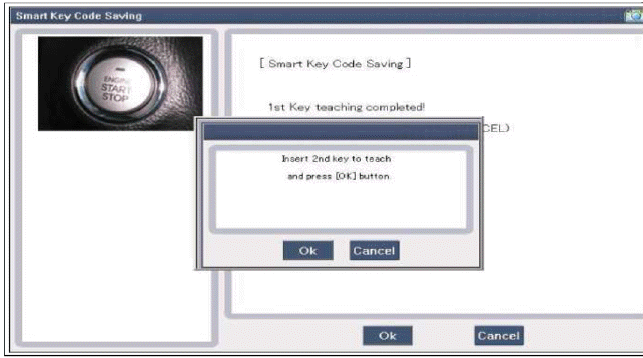
8. Confirm the message "Second key teaching completed".
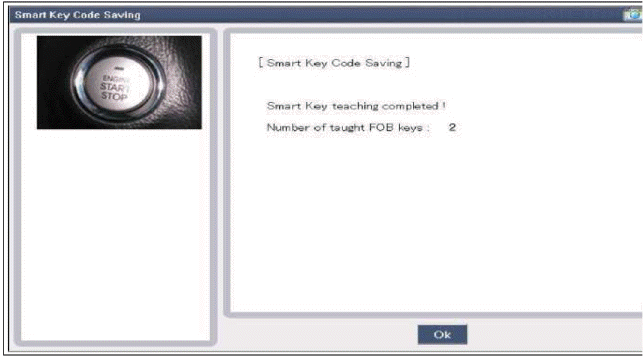
9. Then the screen will be shown as below when key teaching process is completed.
READ NEXT:
 Smart key unit
Components and Components Location
Components
Connector Pin Information
Connector A (14 Pin)
Ground 1
A_ACC
A_IGN2
A_IGN1
VBAT_CPU
VBAT_LOAD
Ground 2
-
O_Exterior buzzer
Specifications, Components and Components Location | Description and Operation
Specifications
Specification
Components and Components Location
Component Location (1)
Hood switch
Burglar horn
RKE receiver
BCM (Body Control Module)
Fro
SEE MORE:
Theft-alarm stage
The alarm will be activated if any of the
following occurs while the system is
armed.
A front or rear door is opened without
using the smart key.
The liftgate is opened without using
the smart key.
The hood is opened.
The horn will sound and the hazard
warning lights will blink con
Resetting the sunroof
In some circumstances resetting the
sunroof operation may need to be performed.
Some instances where resetting
the sunroof may be required include:
When the 12-volt battery is either disconnected
or discharged
When the sunroof fuse is replaced
If the sunroof one-touch AUTO OPEN/
Content
- Home
- Kia Sportage - Fifth generation (NQ5) - (2022-2026) - Owner's Manual
- Kia Sportage - Second generation (JEKM) (2005-2015) - Body Workshop Manual
- Kia Sportage Third generation (SL) - (2011-2016) - Service and Repair Manual
- Sitemap
- Top articles
